
How to Create an Alias in the Address Book
Go to the Address Book page
Navigate to the Address Book section in your dashboard.
You’ll see an empty list if no aliases have been created. If you already have aliases created you will see the list with alias, the blockchain address, network, and description you’ve added.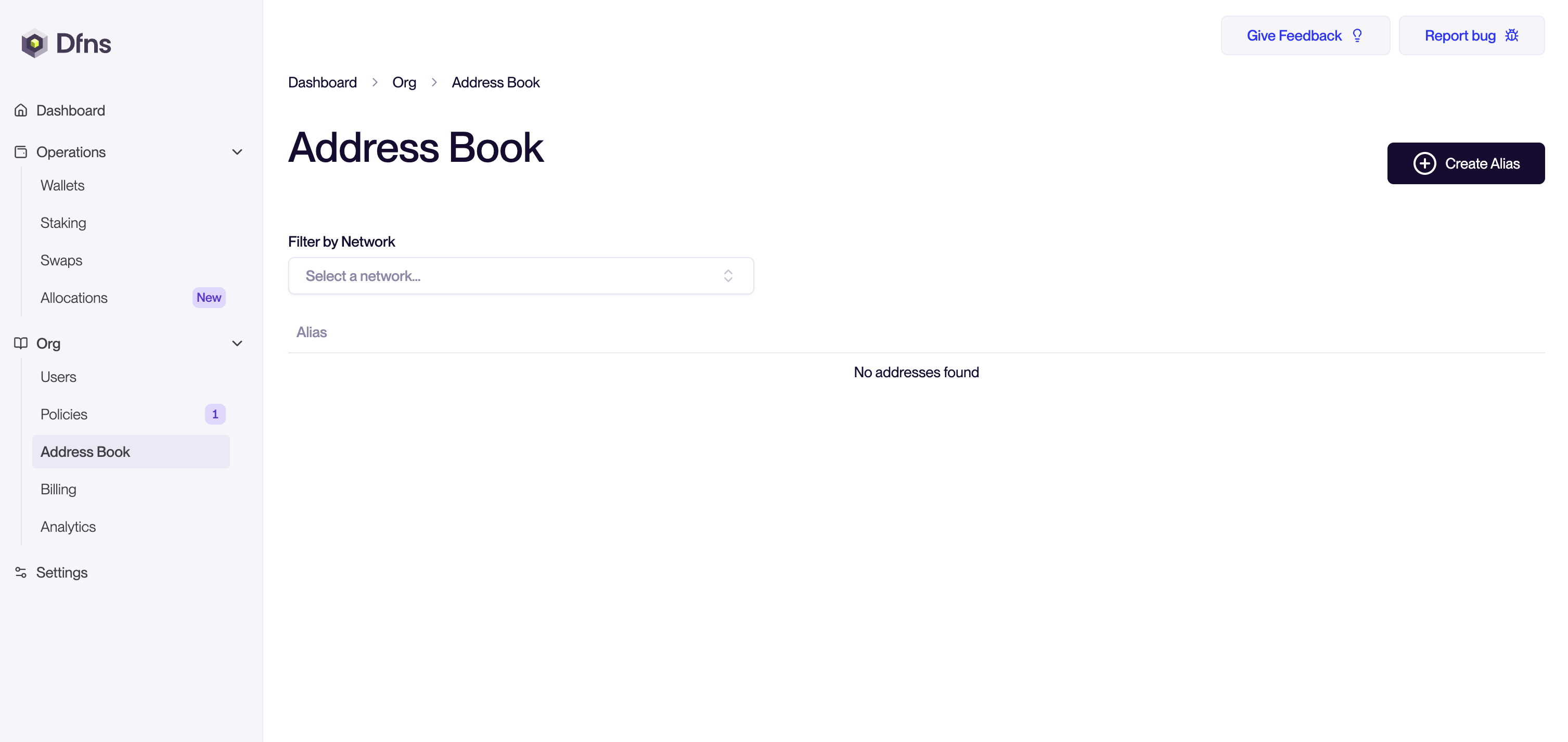
You’ll see an empty list if no aliases have been created. If you already have aliases created you will see the list with alias, the blockchain address, network, and description you’ve added.
Click 'Create Alias'
Start a new entry by clicking the Create Alias button.
This opens the creation form. You will need to add :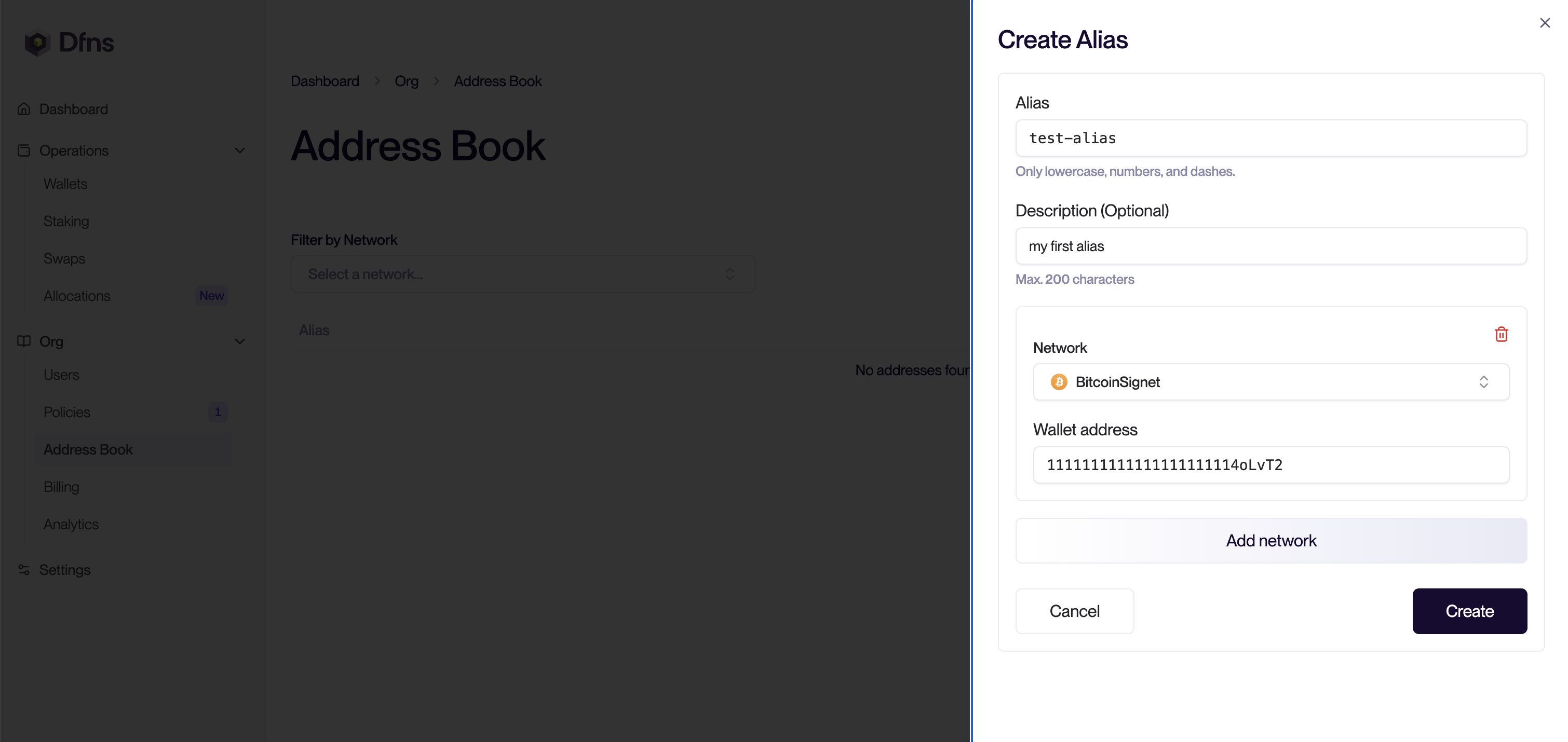
This opens the creation form. You will need to add :
- Name of the Alias
- Description (optional)
- Network
- Address
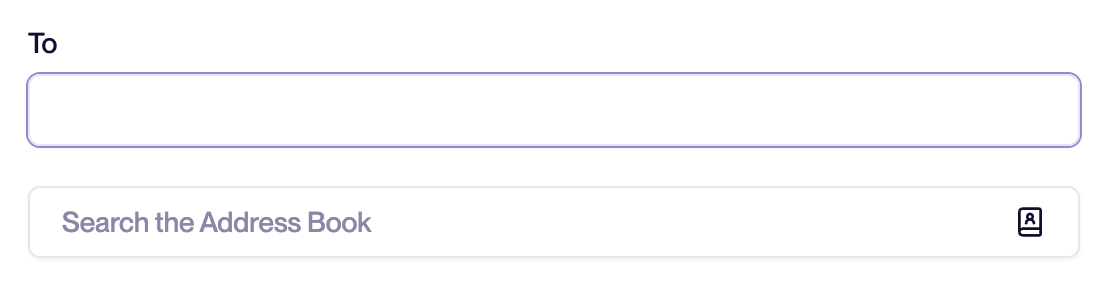
Congratulations! You’ve just created an alias. You can now use this alias for sending funds to a human-readable address.